
Back Office Automation
File & Link Repository
Every critical document, login, and link in one ranked place.
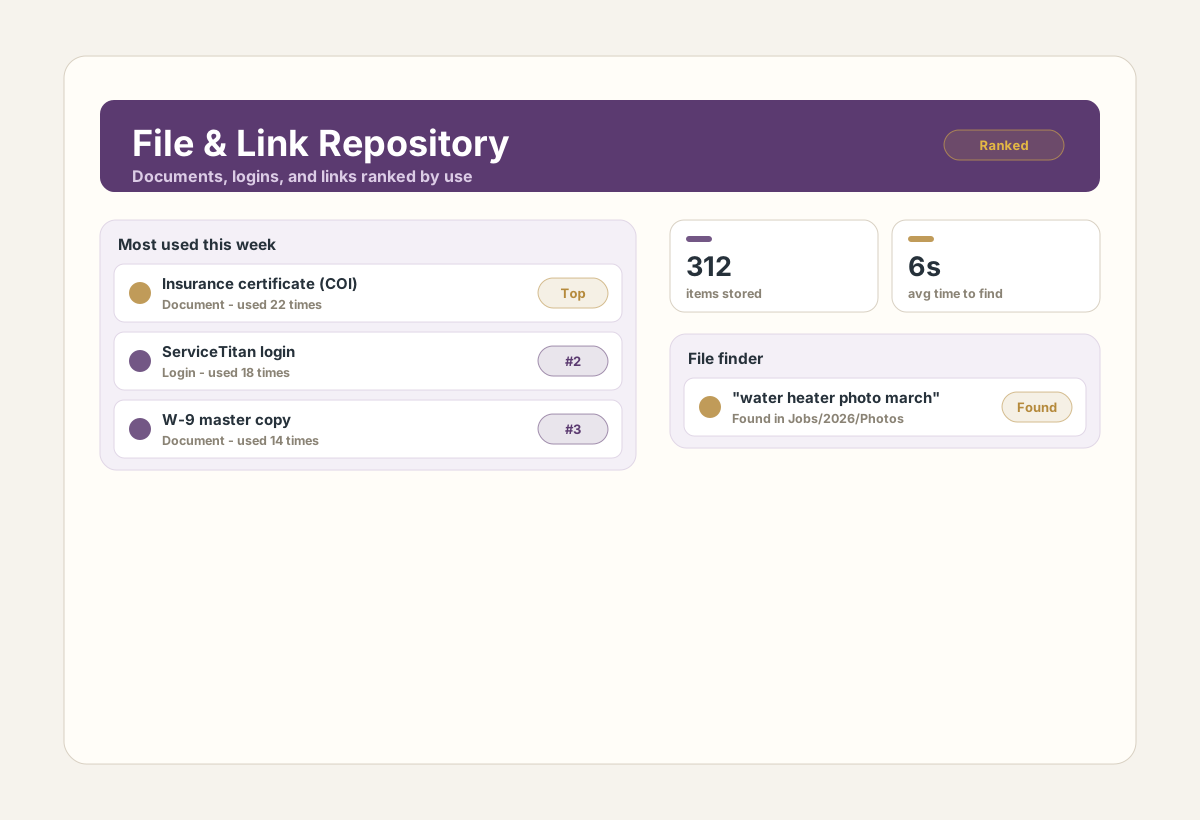
Keep company documents, web links, logins, and files organized by frequency of use with a fast file finder for missing documents and photos.
Who it is for
Teams that waste time digging through folders, emails, drives, and browser bookmarks for the same critical resources.
What it does for you
Central repository for documents, links, logins, and files.
Items ranked by how often they are used so top resources surface first.
File finder quickly locates missing documents or photos.
Replaces scattered folders, emails, drives, and bookmarks.
Why you can trust it
- Keeps critical business information in one place.
- Puts the most frequently used resources one click away.
- Finds missing documents and photos faster than manual searching.
See it in action
Real screens from File & Link Repository. Click any image to view it full size.
What you need to run it
- Modern web browser
Questions, answered
How is the repository organized?
Items are organized by how often each one is used, so the most important resources are always easiest to find.
Can it find files that are not in the repository?
The built-in file finder is designed to quickly locate missing documents or photos across your storage.
Be first in line
Get notified when File & Link Repository opens.
One email when it launches, with everything you need to get started. Nothing else.